Feed overload is real
The week before last, Katie shared with me that article from last month, Who killed Google Reader? I’d read it before so I didn’t bother clicking through again, but we did end up chatting about RSS a bit1.
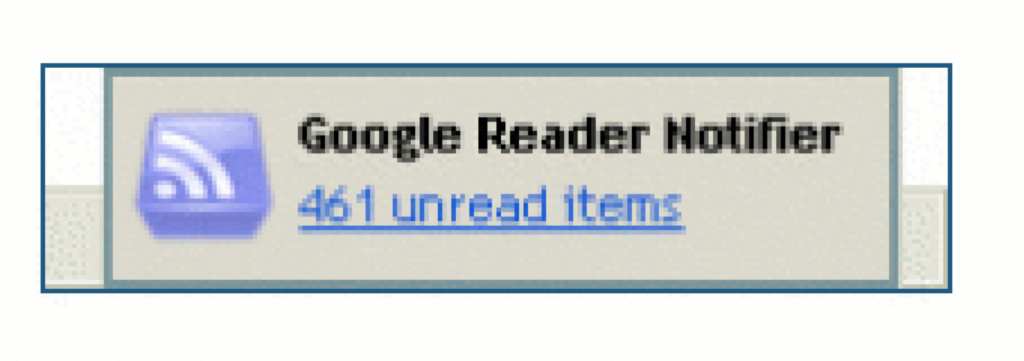
Katie “abandoned feeds a few years ago” because they were “regularly ending up with 200+ unread items that felt overwhelming”.
Conversely: I think that dropping your feed reader because there’s too much to read is… solving the wrong problem.
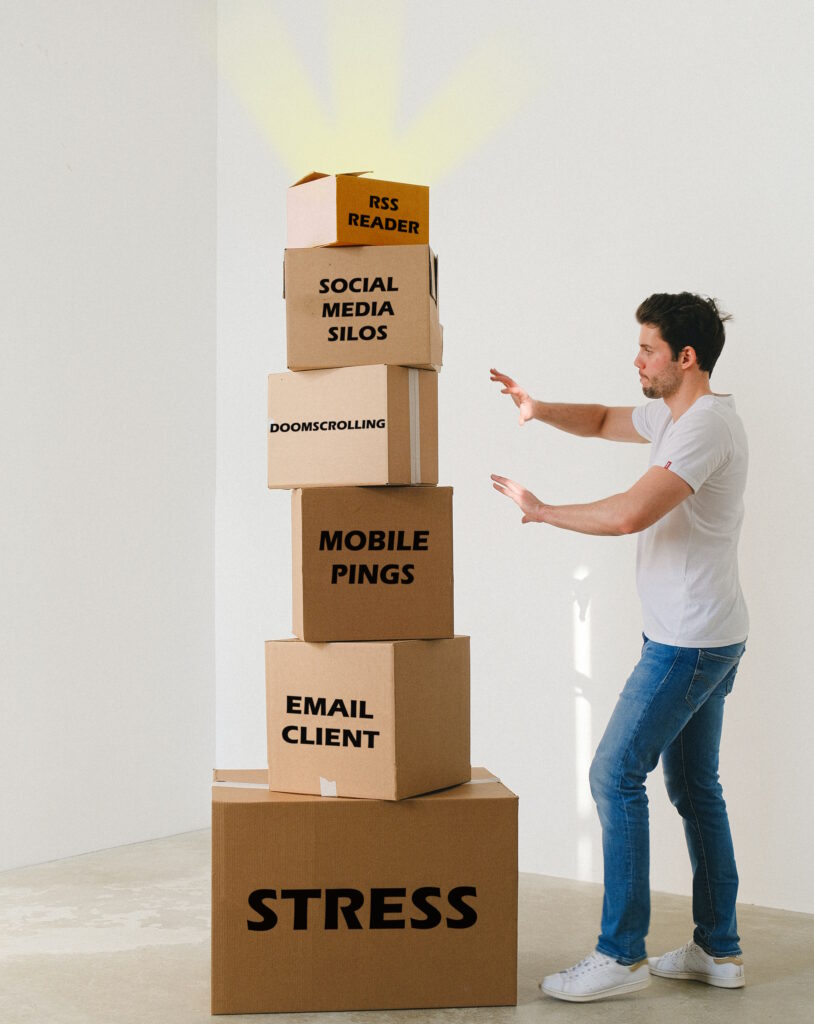
Dave Rupert last week wrote about his feed reader’s “unread” count having grown to a mammoth 2,000+ items, and his plan to reduce that.
I think that he, like Katie, might be looking at his reader in a different way than I do mine.

RSS is not email!
I’ve been in the position that Katie and David describe: of feeling overwhelmed by the sheer volume of unread items. And I know others have, too. So let me share something I’ve learned sooner:
There’s nothing special about reaching Inbox Zero in your feed reader.
It’s not noble nor enlightened to get to the bottom of your “unread” list.
Your 👏 feed 👏 reader 👏 is 👏 not 👏 an 👏 email 👏 client. 👏
The idea of Inbox Zero as applied to your email inbox is about productivity. Any message in your email might be something that requires urgent action, and you won’t know until you filter through and categorise .
But your RSS reader doesn’t (shouldn’t?) be there to add to your to-do list. Your RSS reader is a list of things you might like to read. In an ideal world, reaching “RSS Zero” would mean that you’ve seen everything on the Internet that you might enjoy. That’s not enlightened; that’s sad!
Use RSS for joy
My RSS reader is a place of joy, never of stress. I’ve tried to boil down the principles that makes it so, and here they are:
-
Zero is not the target.
The numbers are to inspire about how much there is “out there” for you, not to enumerate how much work need have to do. -
Group your feeds by importance.
Your feed reader probably lets you group (folder, tag…) your feeds, so you can easily check-in on what you care about and leave other feeds for a rainy day.2 This is good. -
Don’t read every article.
Your feed reader gives you the convenience of keeping content in one place, but you’re not obligated to read every single one. If something doesn’t interest you, mark it as read and move on. No judgement. -
Keep things for later.
Something you want to read, but not now? Find a way to “save for later” to get it out of your main feed so you. Don’t have to scroll past it every day! Star it or tag it3 or push it to your link-saving or note-taking app. I use a link shortener which then feeds back into my feed reader into a “for later” group! -
Let topical content expire.
Have topical/time-dependent feeds (general news media, some social media etc.)? Have reader “purge” unread articles after a time. I have my subscription to BBC News headlines expire after 5 days: if I’ve taken that long to read a headline, it might as well disappear.4 -
Use your feed reader deliberately.
You don’t need popup notifications (a new article’s probably already up to an hour stale by the time it hits your reader). We’re all already slaves to notifications! Visit your reader when it suits you. I start and end every day in mine; most days I hit it again a couple of other times. I don’t need a notification: there’s always new content. The reader keeps track of what I’ve not looked at. -
It’s not just about text.
Don’t limit your feed reader to just text. Podcasts are nothing more than RSS feeds with attached audio files; you can keep track in your reader if you like. Most video platforms let you subscribe to a feed of new videos on a channel or playlist basis, so you can e.g. get notified about YouTube channel updates without having to fight with The Algorithm. Features like XPath Scraping in FreshRSS let you subscribe to services that don’t even have feeds: to watch the listings of dogs on local shelter websites when you’re looking to adopt, for example. -
Do your reading in your reader.
Your reader respects your preferences: colour scheme, font size, article ordering, etc. It doesn’t nag you with newsletter signup popups, cookie notices, or ads. Make the most of that. Some RSS feeds try to disincentivise this by providing only summary content, but a good feed reader can work around this for you, fetching actual content in the background.5 -
Use offline time to catch up on your reading.
Some of the best readers support offline mode. I find this fantastic when I’m on an aeroplane, because I can catch up on all of the interesting articles I’d not had time to yet while grounded, and my reading will get synchronised when I touch down and disable flight mode. -
Make your reader work for you.
A feed reader is a tool that works for you. If it’s causing you pain, switch to a different tool6, or reconfigure the one you’ve got. And if the way you find joy from RSS is different from me, that’s fine: this is a personal tool, and we don’t have to have the same answer.
And if you’d like to put those tips in your RSS reader to digest later or at your own pace, you can:  here’s an
RSS feed containing (only) these RSS tips!
here’s an
RSS feed containing (only) these RSS tips!
Footnotes
1 You’d be forgiven for thinking that RSS was my favourite topic, given that so-far-this-year I’ve written about improving WordPress’s feeds, about mathematical quirks in FreshRSS, on using XPath scraping as an RSS alternative (twice), and the joy of getting notified when a vlog channel is ressurected (thanks to RSS). I swear I have other interests.
2 If your feed reader doesn’t support any kind of grouping, get a better reader.
3 If your feed reader doesn’t support any kind of marking/favouriting/tagging of articles, get a better reader.
4 If your feed reader doesn’t support customisable expiry times… well that’s not too unusual, but you might want to consider getting a better reader.
5 FreshRSS calls the feature that fetches actual post content from the resulting page “Article CSS selector on original website”, which is a bit of a mouthful, but you can see what it’s doing. If your feed reader doesn’t support fetching full content… well, it’s probably not that big a deal, but it’s a good nice-to-have if you’re shopping around for a reader, in my opinion.
6 There’s so much choice in feed readers, and migrating between them is (usually) very easy, so everybody can find the best choice for them. Feedly, Inoreader, and The Old Reader are popular, free, and easy-to-use if you’re looking to get started. I prefer a selfhosted tool so I use the amazing FreshRSS (having migrated from Tiny Tiny RSS). Here’s some more tips on getting started. You might prefer a desktop or mobile tool, or even something exotic: part of the beauty of RSS feeds is they’re open and interoperable, so if for example you love using Slack, you can use Slack to push feed updates to you and get almost all the features you need to do everything in my list, including grouping (using channels) and saving for later (using Slackbot/”remind me about this”). Slack’s a perfectly acceptable feed reader for some people!